Compress
Photos and videos, much smaller.
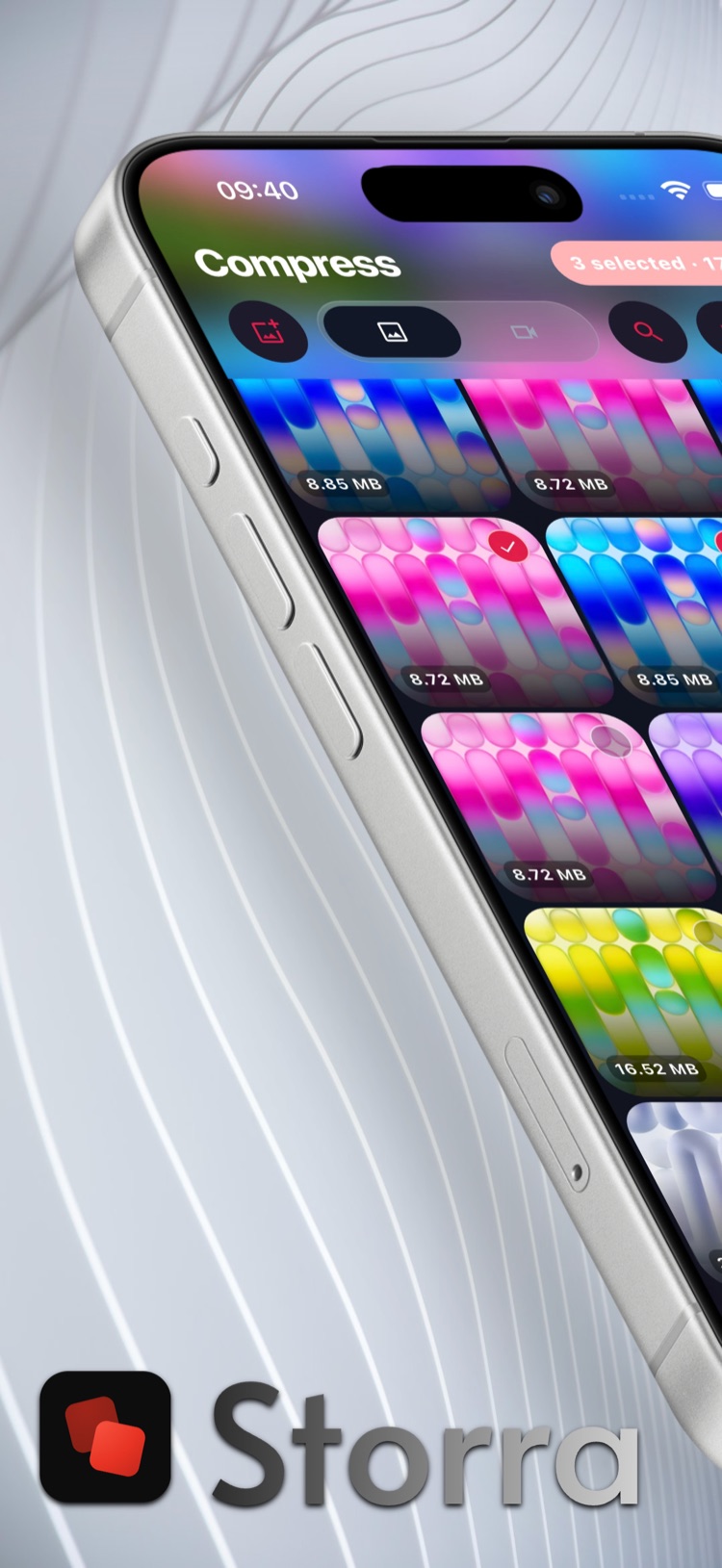
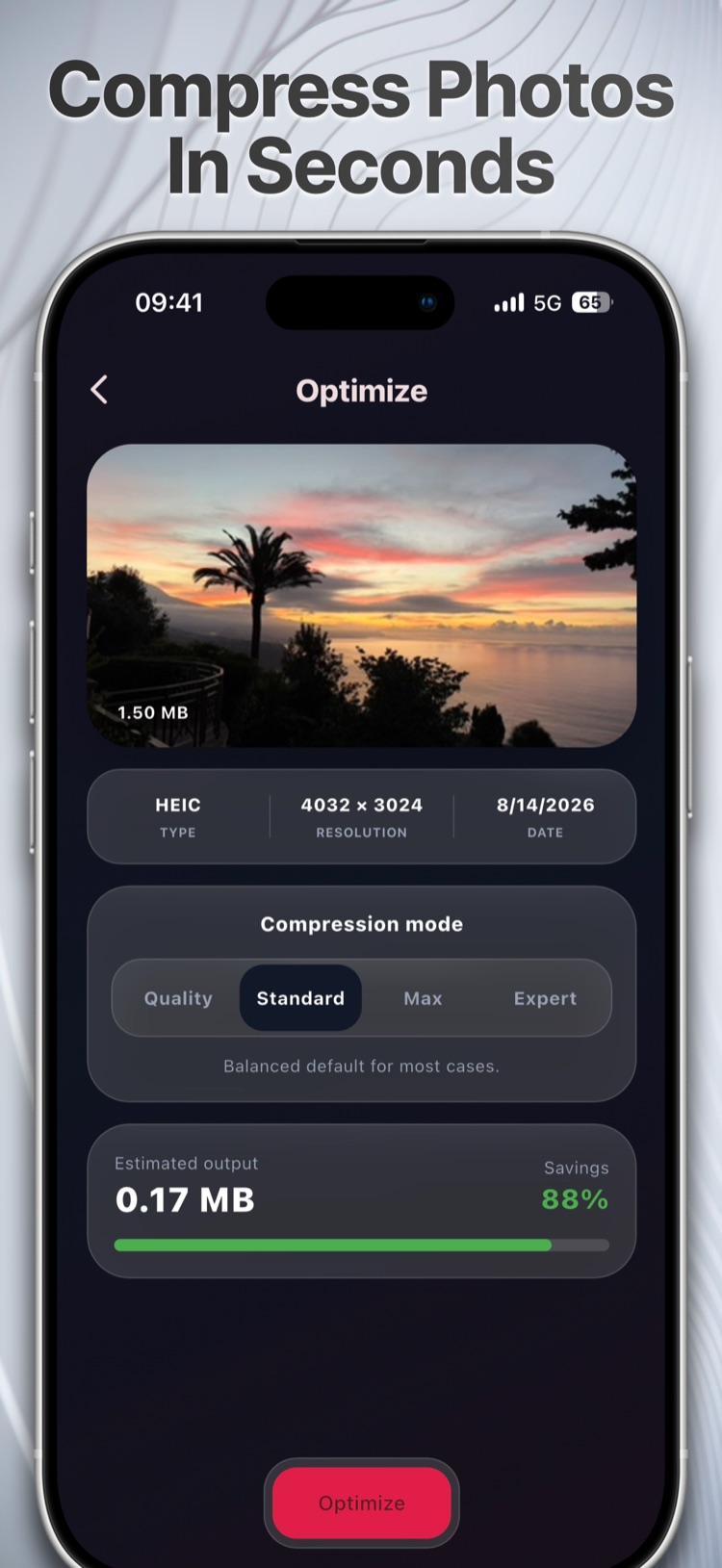
Pick a mode, see how much you will save, then decide. Storra wins back storage without making you delete a single picture.
Storra · For iPhone
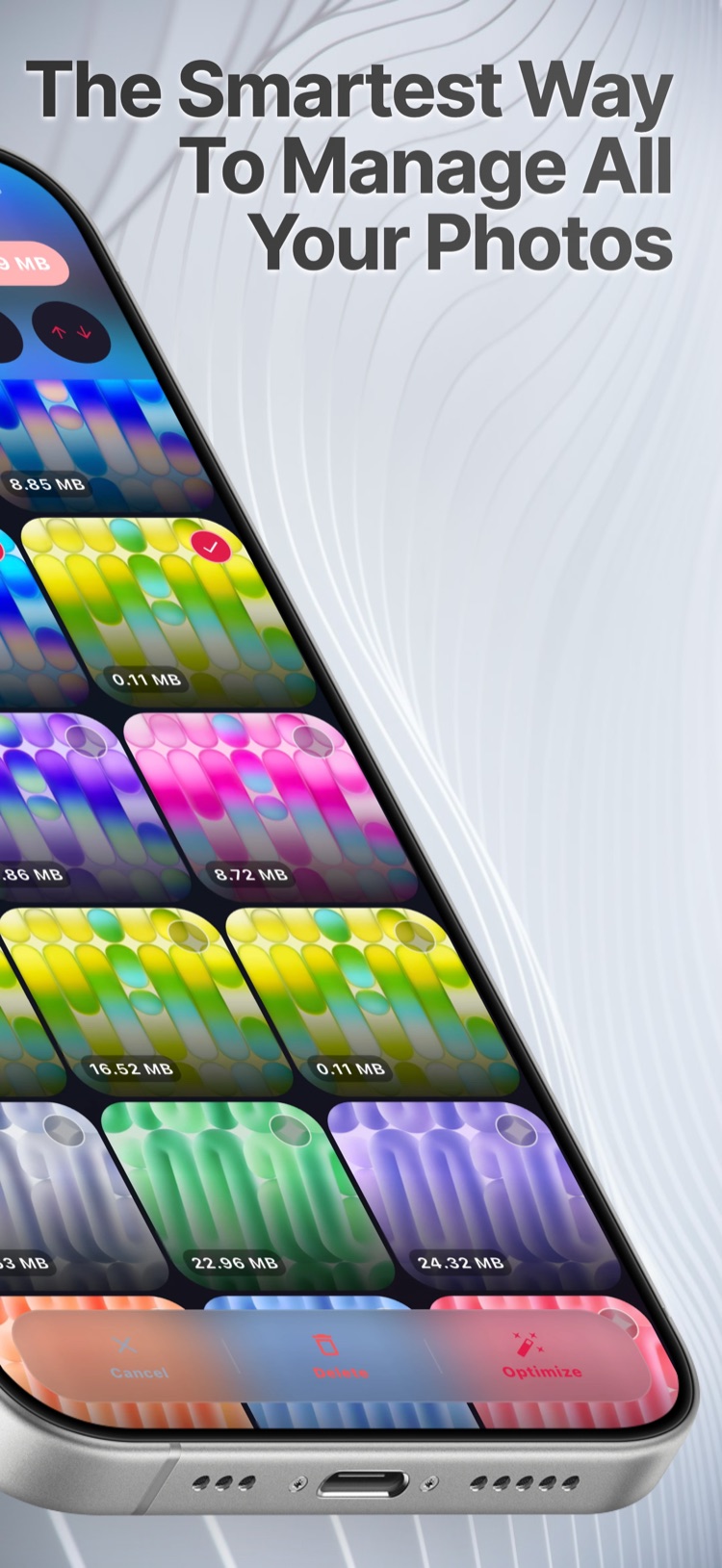
Storra shrinks photos and videos, helps you sort them out and finds duplicates, similar shots, large files and old screenshots. All of it happens right on your iPhone.
Compress
Pick a mode, see how much you will save, then decide. Storra wins back storage without making you delete a single picture.
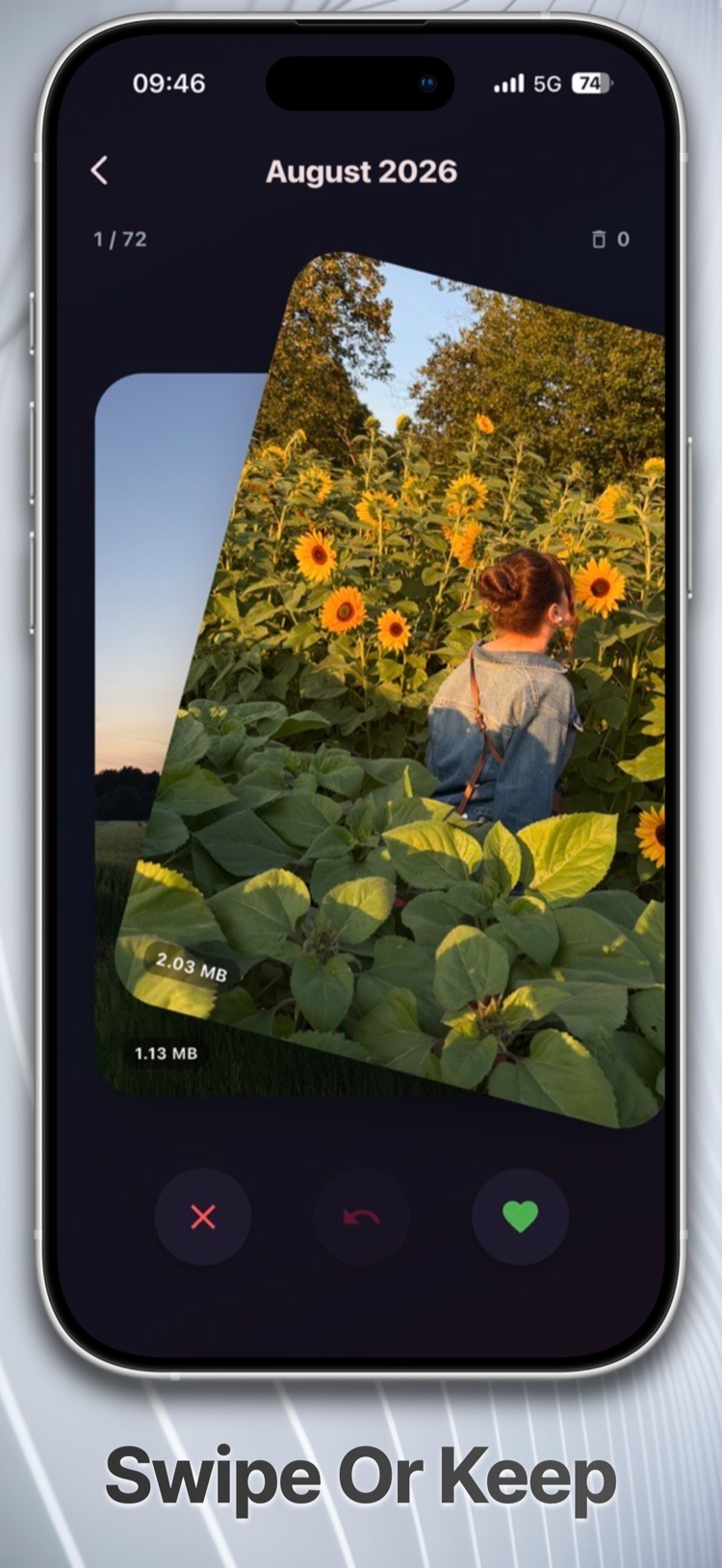
Swiper
Keep it or lose it, month by month through your library. Sorting that would eat an afternoon takes a few minutes.
Cleaner
Duplicates, similar photos, large files and screenshots, grouped together with the space they take up. Only what you select gets deleted.
100% on-device
Storra processes photos and videos entirely on the device. No upload, no server that sees your pictures. For crash reports and, if you agree, anonymous usage statistics I use Google’s Firebase, which has no access to your media. Details in the privacy policy.
Storra works without any background knowledge. Storra Pro adds Expert Mode with detailed filters, metadata control and a closer look at your storage.
The core features are free. Storra Pro unlocks bulk actions, advanced filters and compressing without a daily limit, among other things, as a subscription or a one-time purchase.